How to Find Passwords from RAM
- Sep 21, 2017
- 2 min read
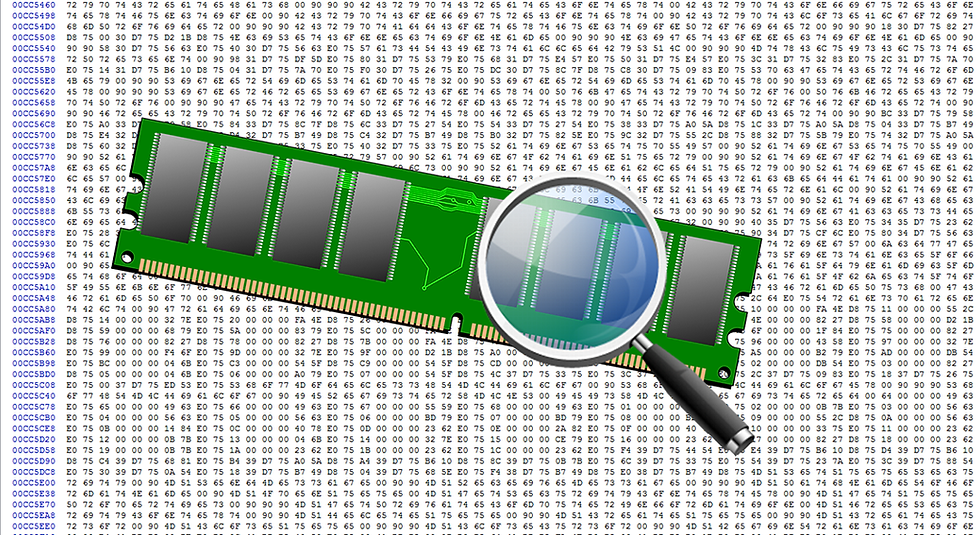
The Random Access Memory (RAM) is where system components, applications and other data is kept, for fast access. It is placed there often in clear text,which will allow as to extract data from it.
By capturing an Image of the memory of a system (memory dump file) you can further use it for malware analysis and/or password extraction.Malware analysts will look into memory in dealing with encrypted malware, because when the malware is launched, it will be decrypted in memory.
If someone logs into an account, typing a username and a password, this will be stored in RAM. What we have to do is just dump the memory to the hard drive and then analyze it. There are many ways to do that, but here i will demonstrate the one i think is the best for a beginner.
For windows:
First you have to download dumpit from here, unzip the file and run dumpit.exe. Just type y when prompted. It shows you where the created file.raw is located.
Then you have to download the WinHex Editor from here, extract it and run it. Open the .raw file you created before through WinHex and press the simultaneous search button, located on the toolbar(binoculars icon).
Type the search term passwd and check at the bottom the "List search hits" and press "ok". When the search is completed press "ok" and you will see the search results. Go through the search results until you find the password you want.
That's it. Pretty easy huh?
For linux is much easier :-) , assuming you already have a dump file
You can use the below command
strings yourfile.raw | grep ‘passwd’
*You have to move to the directory you have your file using the "cd" command
depending on your linux distro, in order to execute this command.


Comments